PickNexo may earn a commission when you purchase through links on this page. This does not affect our editorial assessment. Affiliate tracking is preserved exactly as provided by the merchant.
Quick Verdict
Railway is one of the easiest cloud platforms to recommend for developers who want fast deployments, GitHub-connected workflows, managed databases, environment variables, logs, templates, and usage-based pricing without managing raw servers. PickNexo considers it especially useful for prototypes, APIs, internal tools, small SaaS projects, and indie products. The drawback is trust: external feedback is mixed, with G2 showing strong user satisfaction while Trustpilot includes many complaints about outages, account restrictions, support, and billing. For production workloads, Railway deserves a cautious evaluation rather than blind adoption.
Key Takeaways
Rating Methodology
The score below is a PickNexo Editorial Rating, not a customer rating. It combines official product research, pricing clarity, developer experience, production risk, and external review signals.
| Rating Input | What We Found | Impact on Score |
|---|---|---|
| Developer Experience | Railway offers GitHub deployment, Docker image deployment, Railway CLI deployment, custom Dockerfiles, rollbacks, logs, service variables, templates, and a visual project workflow. | Positive |
| Pricing Clarity | Official pricing lists Free Trial, Hobby, Pro, and Enterprise, plus per-second CPU, memory, volume, egress, object storage, and sandbox pricing. | Positive, with usage-risk caution |
| Production Confidence | Railway lists availability targets, observability, logs, rollbacks, health checks, backups, and support tiers, but external feedback includes outage and account-access complaints. | Mixed |
| External Review Signals | G2 lists Railway at 4.7/5 from 39 reviews. Trustpilot lists Railway at 2.7/5 from 85 reviews and summarizes complaints around outages, support, billing, account access, and project data access. | Mixed to negative |
| Overall PickNexo Rating | Strong platform for developer speed and small-team workflows, but external reliability/support signals prevent a higher score. | 3.9 / 5 |
Pros & Cons
Pros
- Very strong developer experience for deploying apps and services quickly.
- Supports GitHub, Docker image, local CLI, custom Dockerfile, variables, templates, logs, and rollbacks.
- Built-in database path is convenient for PostgreSQL and other open-source database workloads.
- Usage-based pricing can be efficient for projects that do not need fixed server sizing.
- Pro plan supports teams, more resources, Railway support, and higher availability target.
Cons
- Trustpilot feedback is poor compared with G2, especially around outages, support, billing, and account access.
- Usage-based billing needs monitoring; costs can surprise teams that do not watch resource usage.
- Critical production apps need a backup and exit plan, especially for databases.
- Some support and compliance features are tied to higher plans or Enterprise-level commitments.
You Should Consider Railway If
You Should Consider It If
- You want to deploy an app, API, worker, bot, or database quickly.
- You value GitHub-based deployments and a clean developer dashboard.
- You are building a side project, MVP, internal tool, or small SaaS.
- You can monitor usage and understand usage-based pricing.
- You have backups and a migration plan for production databases.
You May Want to Skip It If
- You need conservative enterprise reliability and formal support from day one.
- You cannot tolerate downtime or account-access uncertainty.
- You want predictable fixed monthly server pricing with no usage variability.
- You do not want to manage platform-specific deployment and billing details.
- You require HIPAA, SSO, RBAC, audit retention, or dedicated VMs without Enterprise spend.
Product Range and Platform Experience
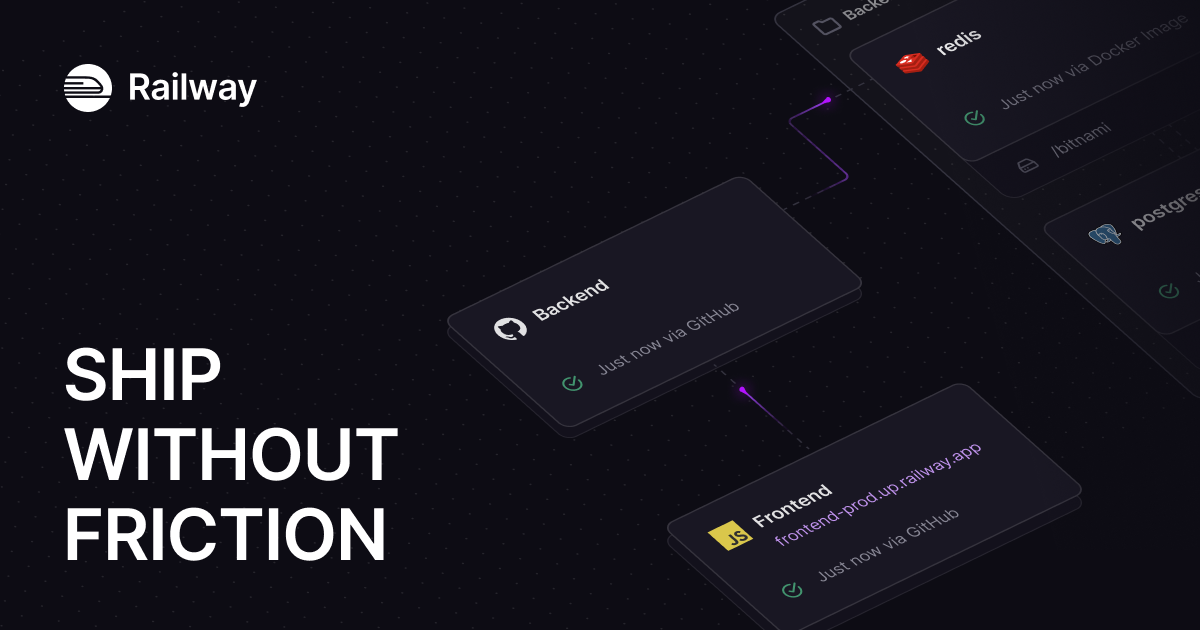
Fact: Railway’s official pricing and docs describe a platform for deploying projects with services, GitHub repository deployment, Docker image deployment, local repo deployment with the Railway CLI, custom Dockerfile support, service variables, secrets, one-click rollbacks, logs, and health checks.
Analysis: This makes Railway closer to a modern PaaS than a traditional VPS host. It is designed to reduce infrastructure setup work so developers can ship services faster.
Pricing and Plans
Fact: Railway currently lists Free, Hobby, Pro, and Enterprise tiers. The Free option includes a 30-day free trial with $5 credits, then $1 per month. Hobby has a $5 minimum usage and includes $5 monthly usage credits. Pro has a $20 minimum usage and includes $20 monthly usage credits. Enterprise is custom.
Fact: Railway also lists resource pricing for memory, CPU, volumes, egress, object storage, and sandboxes. Hobby and Pro bill additional usage after included credits are used.
Databases and Storage
Fact: Railway’s docs include PostgreSQL guidance, and the pricing matrix says users can deploy open-source databases. The pricing table also references built-in database and volume backups.
Analysis: This is one of Railway’s strongest selling points for developers. App plus database setup is often where new projects slow down on general-purpose cloud platforms.
Railway Plans Compared
| Plan | Best For | Official Starting Cost | Main Advantage | Main Drawback |
|---|---|---|---|---|
| Free / Trial | Testing Railway and deploying small starter projects | $0 during trial; $5 credits for 30 days, then $1/month listed | No credit card required trial path | Limited resources and projects after trial |
| Hobby | Side projects and indie apps | $5 minimum usage with $5 monthly usage credits | Good entry point for real projects | Community support and lower resource/storage limits than Pro |
| Pro | Professional developers and teams shipping production applications | $20 minimum usage with $20 monthly usage credits | More resources, seats, Railway Support, and higher availability target | Still usage-based; teams should monitor billing and reliability |
| Enterprise | Organizations with compliance, support, SSO, RBAC, audit logs, and dedicated infrastructure needs | Custom | Highest limits, SLOs, HIPAA BAAs, dedicated VMs, bring-your-own-cloud options | Requires sales process and larger commitments |
Choose Free/Trial if: you want to test the dashboard, deployment workflow, and database setup.
Choose Hobby if: you are building a side project or non-critical app.
Choose Pro if: you have a serious project, team collaboration needs, and want Railway Support.
Choose Enterprise if: compliance, support SLOs, SSO, RBAC, audit logs, or dedicated infrastructure are required.
Railway changes plan limits and pricing details over time, so confirm the current plan page before deploying production services.
Visit Railway Official SiteExternal Review Signals
G2: Railway is listed at 4.7/5 from 39 reviews. The visible review themes emphasize easy GitHub sync, simple backend/API deployment, helpful logs, and a smooth developer experience.
Trustpilot: Railway is listed at 2.7/5 from 85 reviews. Trustpilot’s summary and recent reviews mention outages, account suspensions or access problems, support response concerns, billing disputes, and production reliability issues, alongside some positive comments about fast deployment and the clean interface.
Buying Information to Check Before Deploying
- Billing model: understand minimum usage, included credits, CPU, memory, volumes, egress, and sandbox billing.
- Backups: verify how database and volume backups work for your plan and workload.
- Export path: know how to export databases and move services before a production incident happens.
- Support route: confirm what support channel and response expectation applies to your plan.
- Custom domains: check domain setup requirements before migrating a production site.
- Status monitoring: use Railway status plus external uptime monitoring for serious apps.
FAQ
Is Railway good for beginners?
Yes, Railway is beginner-friendly for developers who can work with GitHub, environment variables, services, and databases. It is easier than managing a VPS, but still requires some deployment and billing awareness.
Is Railway good for production?
Railway can be used for production, especially on Pro or Enterprise paths, but external reliability and support complaints mean production buyers should test carefully and maintain backups, monitoring, and migration plans.
How much does Railway cost?
Railway pricing is usage-based. Official pricing currently lists Free/Trial, Hobby with $5 minimum usage, Pro with $20 minimum usage, and custom Enterprise pricing, plus CPU, memory, volume, egress, object storage, and sandbox rates.
Does Railway support databases?
Yes. Railway docs include PostgreSQL guidance and official pricing says users can deploy open-source databases. Always check backup, storage, and export behavior for production data.
Sources & Research
Official Sources Used
- Official Railway referral link
- Railway pricing page
- Railway Docs: The Basics
- Railway Docs: Quick Start
- Railway Docs: PostgreSQL
Independent Sources Used
Final Verdict
Railway is a strong cloud deployment platform for developers who value speed, clean workflows, GitHub-connected deploys, quick database setup, templates, and usage-based scaling. It is one of the more approachable ways to get an app and database online without managing raw infrastructure.
The caveat is trust. Railway’s developer experience is strong, but external review signals are divided. PickNexo recommends Railway for side projects, prototypes, internal tools, MVPs, and non-critical apps first. For production systems, test thoroughly, monitor billing, confirm backup/export workflows, and maintain a fallback plan.
Check Current Railway Plans